
How mr-bill builds an app
Follow one idea through the build workspace — requirements, prototype, build run, review, deploy — and see what an AI engineering workflow actually looks like.
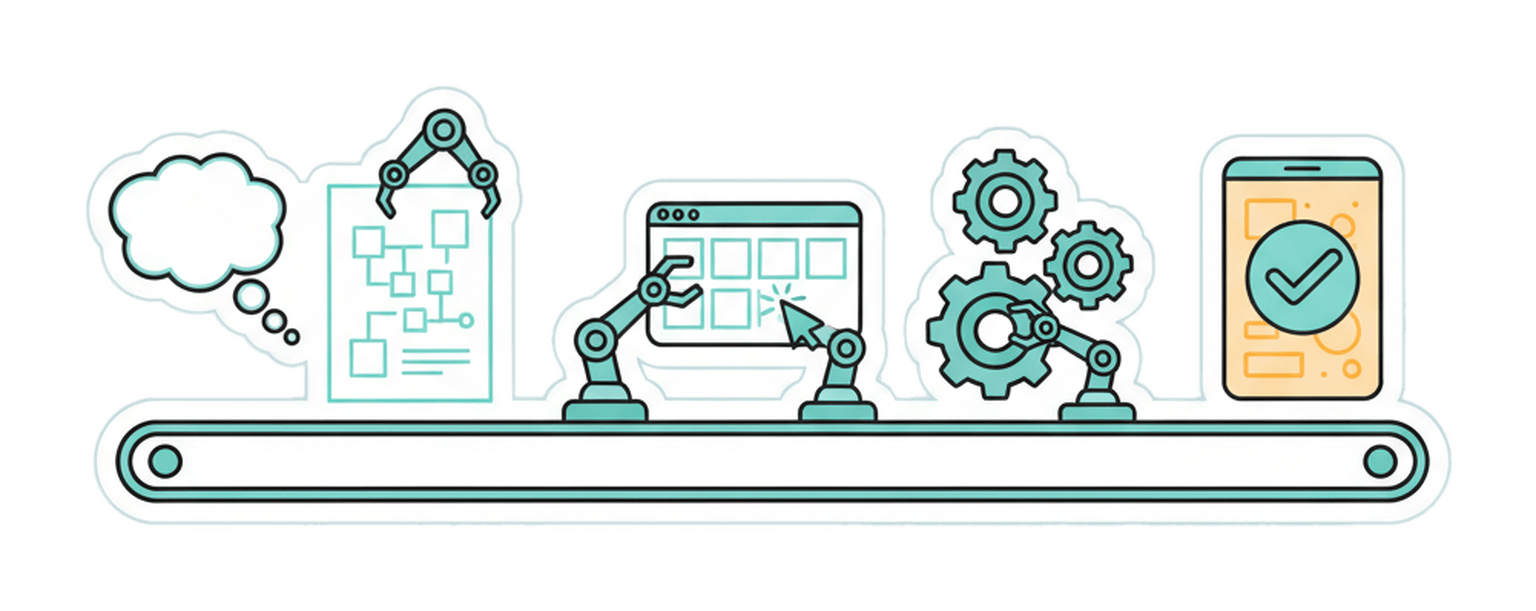
"An AI builds your app" can mean almost anything, so let's make it concrete. This is what actually happens on adoovi between you typing an idea and a working application appearing in your launcher — step by step, with nothing skipped.
Step 1: You talk, requirements form
Everything starts in the build workspace — a chat on one side, your project's living documents on the other.
You describe what you want the way you'd describe it to a colleague: "I need a tool where my team logs customer calls, tags them, and sees a weekly summary." mr-bill asks the questions a good engineer would ask — who uses it, what's on the main screen, what happens at the edges — and shapes the answers into a requirements document.
This document is the contract for everything that follows, and it's yours: it lives in the workspace, it autosaves, you can edit it directly, and every version is kept. If you and a teammate are both in the workspace, you're editing it together, live.
Step 2: A prototype you can click
Before any real engineering happens, mr-bill generates a clickable prototype — real screens, real navigation, plausible data. This is the cheapest possible moment to change your mind, which is exactly why it exists. "The list should be grouped by customer, not by date" costs one sentence here.
You react, the requirements evolve, the prototype regenerates. When it looks like the thing you meant, you say build.
Step 3: The build run
This is where adoovi stops resembling other AI tools.
A run is a complete engineering workflow executed by mr-bill's orchestrator. It plans the work and breaks it into tickets. It dispatches coding work to frontier AI models. And then — the step we refuse to skip — separate AI reviewers read the code adversarially, hunting for bugs, security problems, and requirements the code quietly ignored. Findings go back; the code gets fixed; the reviewers look again. Tests run. Only then does the result move forward.
The whole run is observable while it happens. You can watch the phases advance, see what's being worked on, and see the cost meter as it accrues — runs are paid from your wallet in mr-bill tokens, metered to the work actually done. If your balance runs low mid-run, the run pauses and waits instead of failing; add funds and it resumes where it left off.
Step 4: A real deployment
The output of a run isn't a file to download. mr-bill deploys your app as a real service: its own database, its own API, its own web interface, running on adoovi's infrastructure under your account. It appears in your launcher. You click it. It works.
It also gets the trappings of a real product from day one: a store profile, an icon and artwork (generated to match what the app actually is), members and roles if you want teammates in it, and a machine-readable description of itself at a standard address — so other software, and other agents, can discover what your app can do.
Step 5: It keeps going
Shipping is not the end of the relationship. Found a bug? Want a new screen? You go back to the same workspace, same conversation, and say so — the requirements update and mr-bill iterates on the same app. And if your app does recurring work — a daily analysis, scheduled content generation, data refreshes — it can own workflows of its own and run them on the same engine that built it.
The point
None of these steps is exotic. Requirements, prototype, code, review, test, deploy, iterate — it's just engineering. The new part is that you get the whole loop by describing what you want, and that every run of it is recorded, reviewable, and priced in the open.
Try it with something small. One screen, one list, one idea. Watch the run.